
AI CATEGORY · 6 SPECIALIST TOOLS
AI tools for Music & Sound
Specialist audio tools organized by where you are in a sound workflow—separating stems, rehearsing parts, transcribing melodies, synthesizing vocals, reverse-engineering synth patches, and mastering spoken-word episodes.



Music & Sound

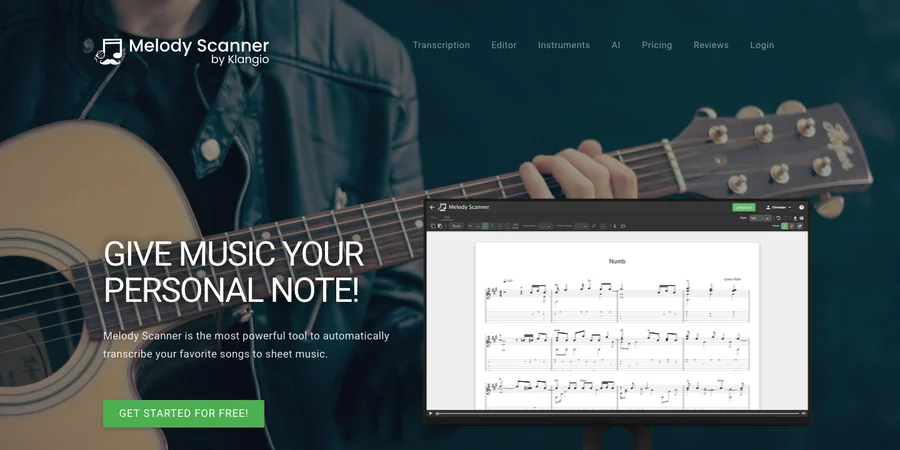
Melody Scanner
Record an instrument or upload a track to get sheet music, tabs, and MIDI for the melody.

Music & Sound

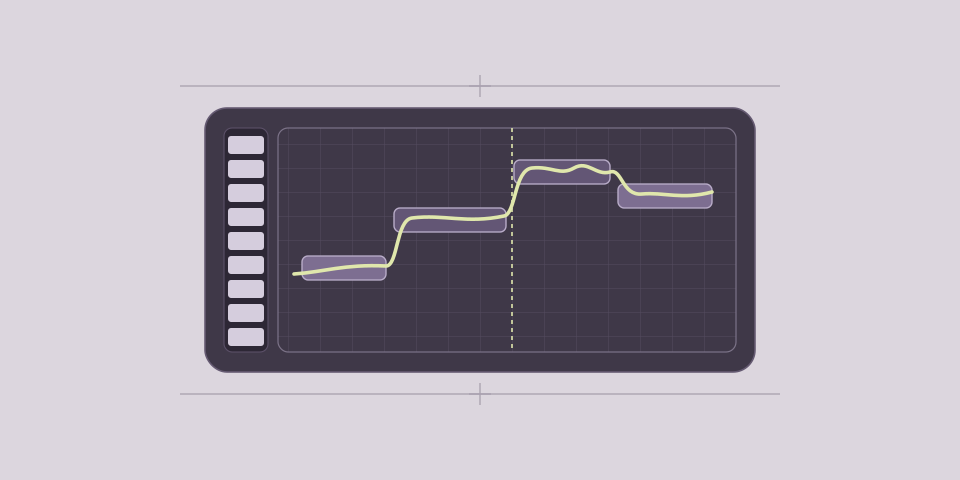
Synthesizer V
Type lyrics onto MIDI notes to synthesize realistic multilingual vocal tracks with editable pitch and tone.
Music & Sound

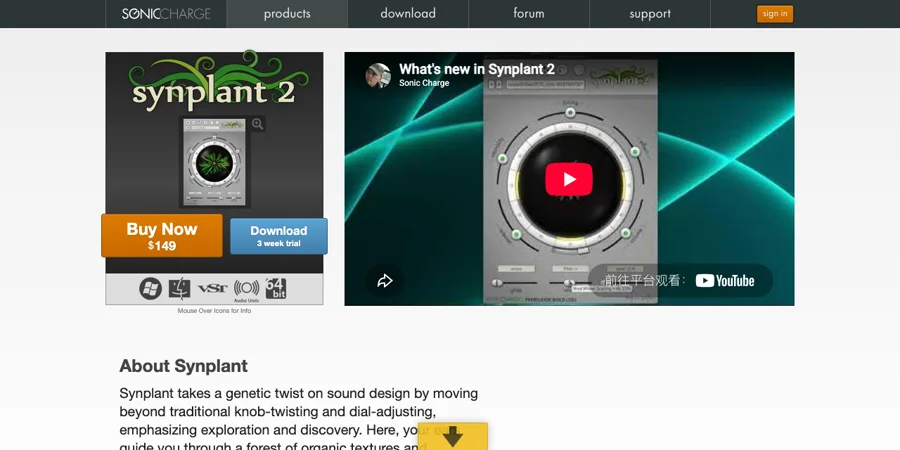
Synplant 2
Drop in any audio sample and let Genopatch reverse-engineer playable synthesizer patches that match its timbre.
Alternatives in Music & Sound
How to pick a music or audio AI tool
- Pick by job, not just stem quality: LALAL.AI excels at clean batch stem extraction, Moises adds chord detection and smart metronomes for rehearsal, while Synthesizer V and Synplant 2 handle vocal synthesis and sound design.
- Feed uncompressed WAV or high-bitrate source audio whenever possible—separation artifacts multiply on low-bitrate MP3s.
- For podcasts and interviews, use dedicated loudness/cleanup processing like Auphonic rather than a music stem splitter.
Frequently asked questions
What is the difference between LALAL.AI and Moises?
LALAL.AI is built primarily for fast, high-isolation stem splitting on desktop and web, while Moises is tailored for musicians practicing songs with tempo control, key shifts, and chord charts.
Should I upload WAV or MP3 for stem separation?
Upload WAV or FLAC if you have the original file. Lossless inputs reduce metallic phase artifacts when isolating vocals, drums, or bass.